A magpie for your clipboard.
Everything you copy — text, links, code, colours, images, files — kept sorted, searchable, and a keystroke away. On your Mac, and in your pocket. Encrypted, and yours alone.
One payment of $9.99. No subscription, no in-app purchases, no accounts, no analytics. Mac, iPhone and iPad. macOS 14+ · iOS 17+.
Everything you copy, in one place.
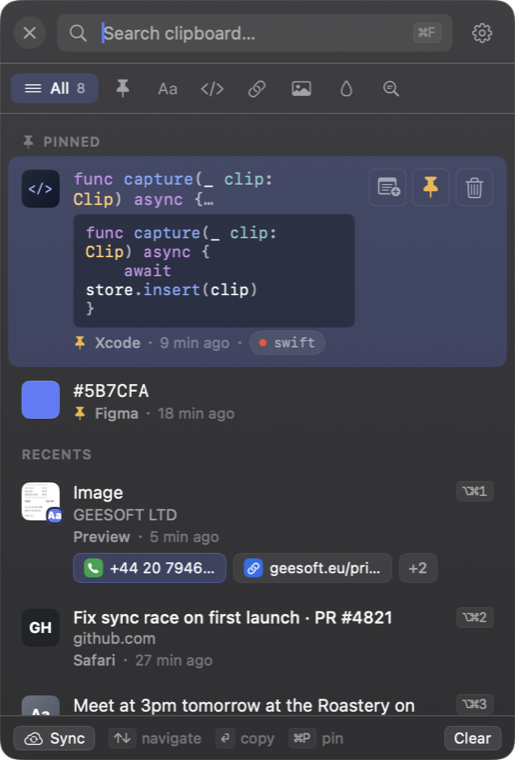
It knows what you copied.
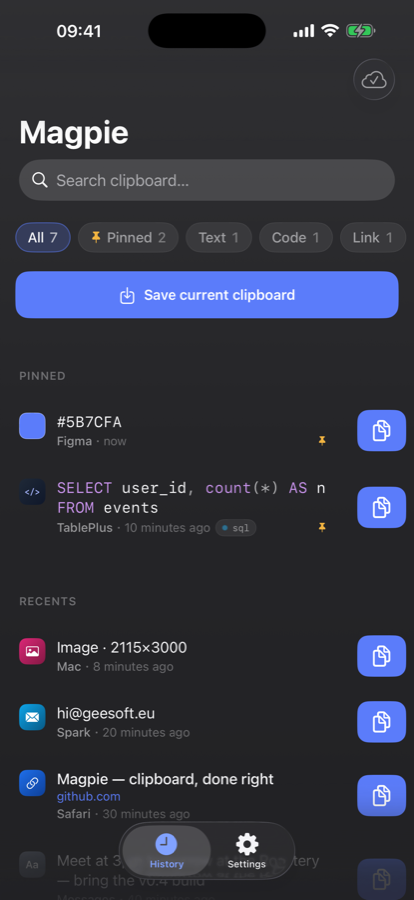
Every copy is recognised for what it is and filed under its own filter tab — so the right clip is one click away, without scrolling past everything else.
Fast enough to forget it's there.
A glass popover
A fast, themeable window with live search, full keyboard navigation, pinned items, and a rich hover preview for every clip — rendered colours, image thumbnails, link titles.
A floating button
A draggable button that snaps to the nearest edge, remembers its place on every monitor, and follows you to whichever display you're working on.
Drag it — it snaps to the nearest edge.
Hotkeys everywhere
Summon Magpie with ⌘⇧V from any app. Copy any of your nine most recent clips with ⌘⌥1–9 without even opening the window, then paste with ⌘V. Every global shortcut is rebindable.
Try it — press the keys.
Screenshots & sources
Point Magpie at a folder and every screenshot you save lands in your history automatically. Clips copied from a browser carry their source page link.
Your clipboard is the most sensitive thing you own. So Magpie keeps it to itself.
Encrypted at rest
Your history is sealed with AES-256-GCM on every device — the key held in your Keychain, shared only across your own devices.
Stays with you
No third-party servers, no accounts, no analytics. Synced only through your own iCloud, end-to-end encrypted.
Skips your secrets
Password-manager and concealed fields are ignored automatically — and you can add any app to an ignore list.
Sandboxed
Distributed through the Mac App Store under Apple's App Sandbox — and audited to match.
Magpie only touches the network when you ask it to: optional iCloud sync, which keeps your devices in step through your own iCloud and never reaches us, and looking up the title of a copied link, which only ever contacts that link's own website. Both are off until you switch them on. Read the full privacy policy →
Your clipboard, on every screen.
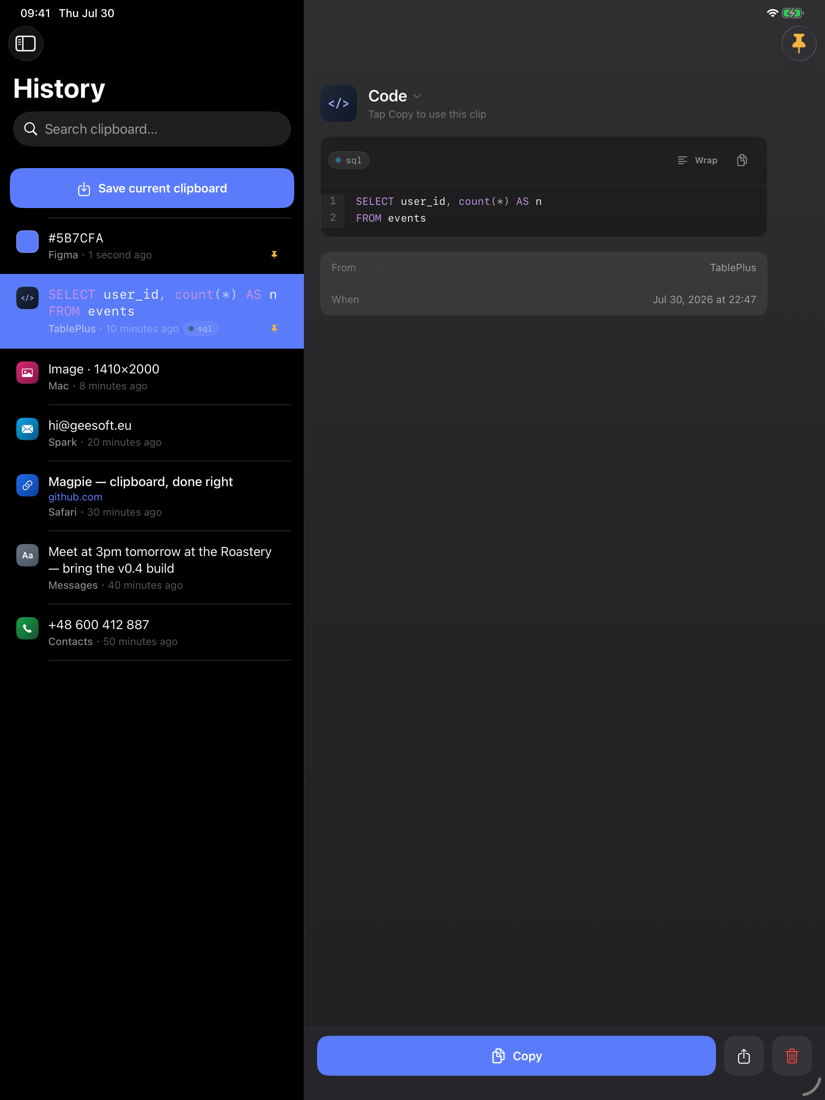
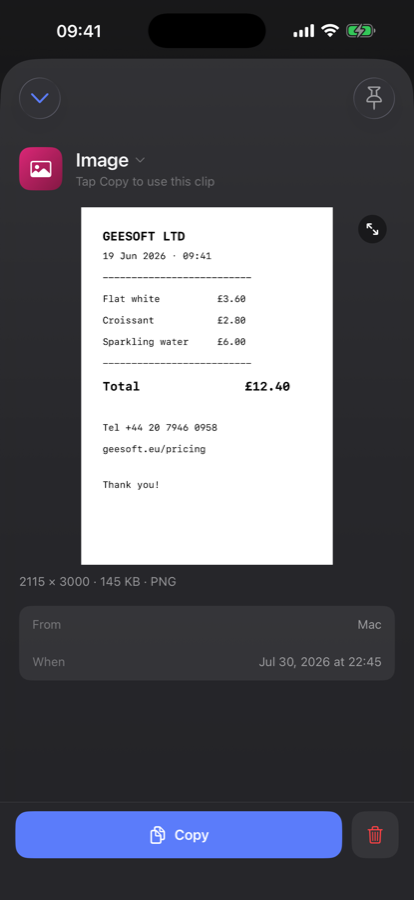
Magpie lives in your Mac's menu bar. The iPhone and iPad companion (included in the same purchase) puts the same history in your pocket — kept in step end-to-end through your own iCloud, encrypted with a key only your devices hold.
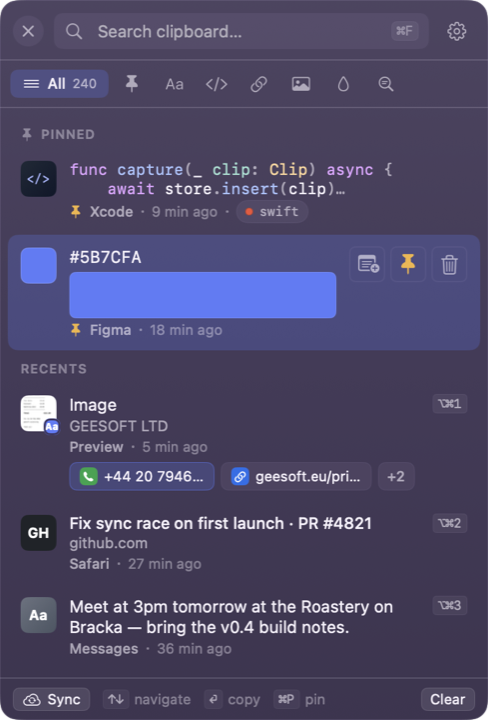
Five handcrafted themes.
Dark, Light, Twilight, Solarized and Nord — each with its own carefully tuned glass, paired with a 13-colour accent palette.
Give your clipboard a memory.
Magpie is $9.99 on the Mac App Store — one payment, everything unlocked, on your Mac, iPhone and iPad. No subscription and no in-app purchases.
one-time · Mac, iPhone & iPad · macOS 14+ · iOS 17+
Questions first? Read the FAQ or contact support.